How to Set It Up
Configure and launch your first AI interview in 5–10 minutes.
Before You Begin
You'll need:
- A hifrank.ai account
- A clear research goal (e.g., "understand why users cancel")
- Your target audience ready to receive the interview link
Time to complete: 5–10 minutes
Tip: Have your product description ready — 2–3 sentences about what you're building and who it's for.
Step-by-Step Instructions
Step 1. Access AI Interviewer
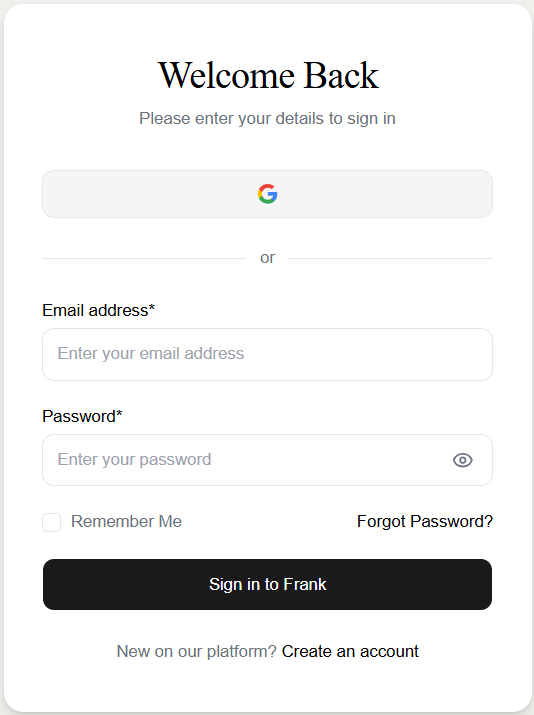
Sign up and log in to your hifrank.ai account
Select New research from your dashboard

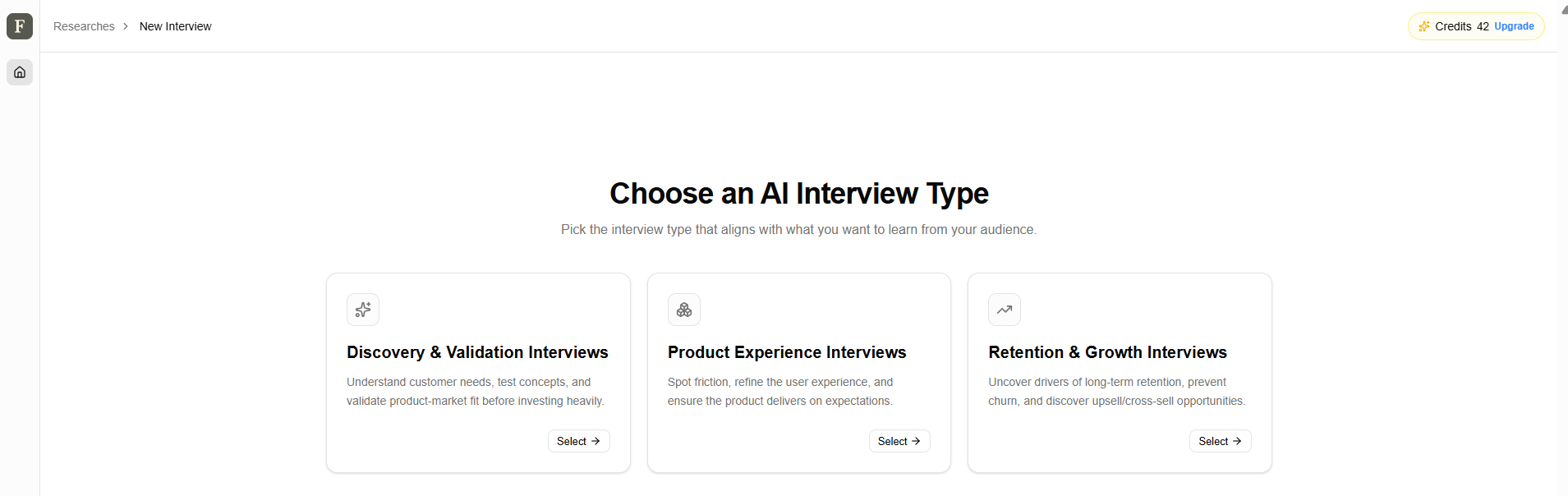
Step 2. Choose Your Interview Type
Select the category that best matches your research goal:
Discovery & Validation Interviews
When to use: Early-stage research, before building or launching
Interview types:
- Exploratory / Discovery: understand customer needs and pain points
- Concept Testing: validate ideas before building
- Messaging & Positioning: test how to communicate your value
- Pricing & Value Perception: understand willingness to pay
Goal: Understand customer needs, test concepts, and validate product-market fit before investing heavily.
Product Experience Interviews
When to use: During or after development
Interview types:
- Prototype / Usability Testing: find friction points in your product
- Pre-Launch "Expectation": gauge what users expect before release
- Post-Release Satisfaction: measure how well the product delivered
Goal: Spot friction, refine the user experience, and ensure the product delivers on expectations.
Retention & Growth Interviews
When to use: After launch, optimizing for long-term success
Interview types:
- Engagement & Habit: understand what drives regular usage
- Churn / Exit: learn why customers leave
- Retention & Expansion: discover upsell and cross-sell opportunities
Goal: Uncover drivers of long-term retention, prevent churn, and discover upsell/cross-sell opportunities.
Step 3. Configure Your Product
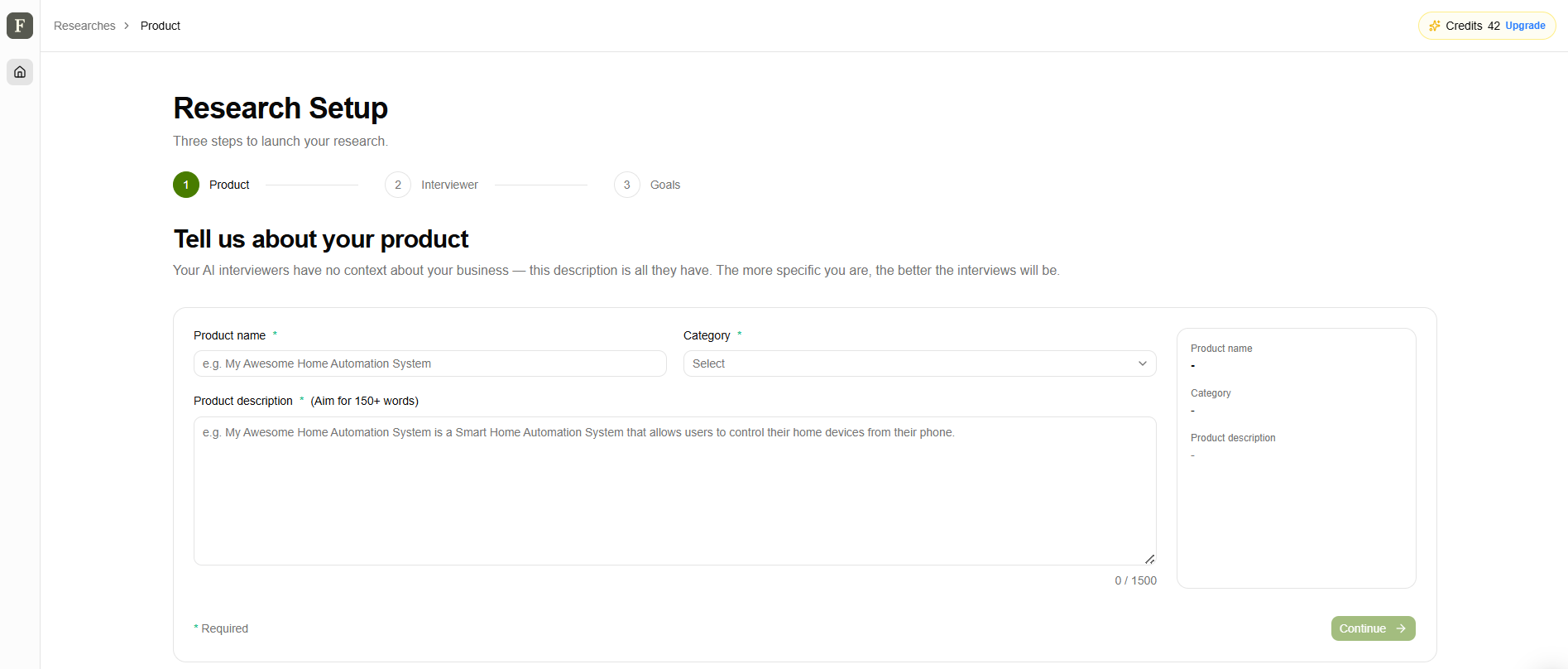
You'll be asked to describe what you're researching. This helps the AI ask relevant questions.
Product Name
- Enter the name of your product, feature, or service
- Example: "Premium Subscription Plan" or "Mobile App Redesign"
Category
- Select the category that best fits your product from the dropdown
Description (up to 1,500 characters)
- Briefly describe what you're building and who it's for
- Include: core features, target audience, main benefits
Why this matters: The AI uses this context to ask smarter, more relevant questions during interviews.
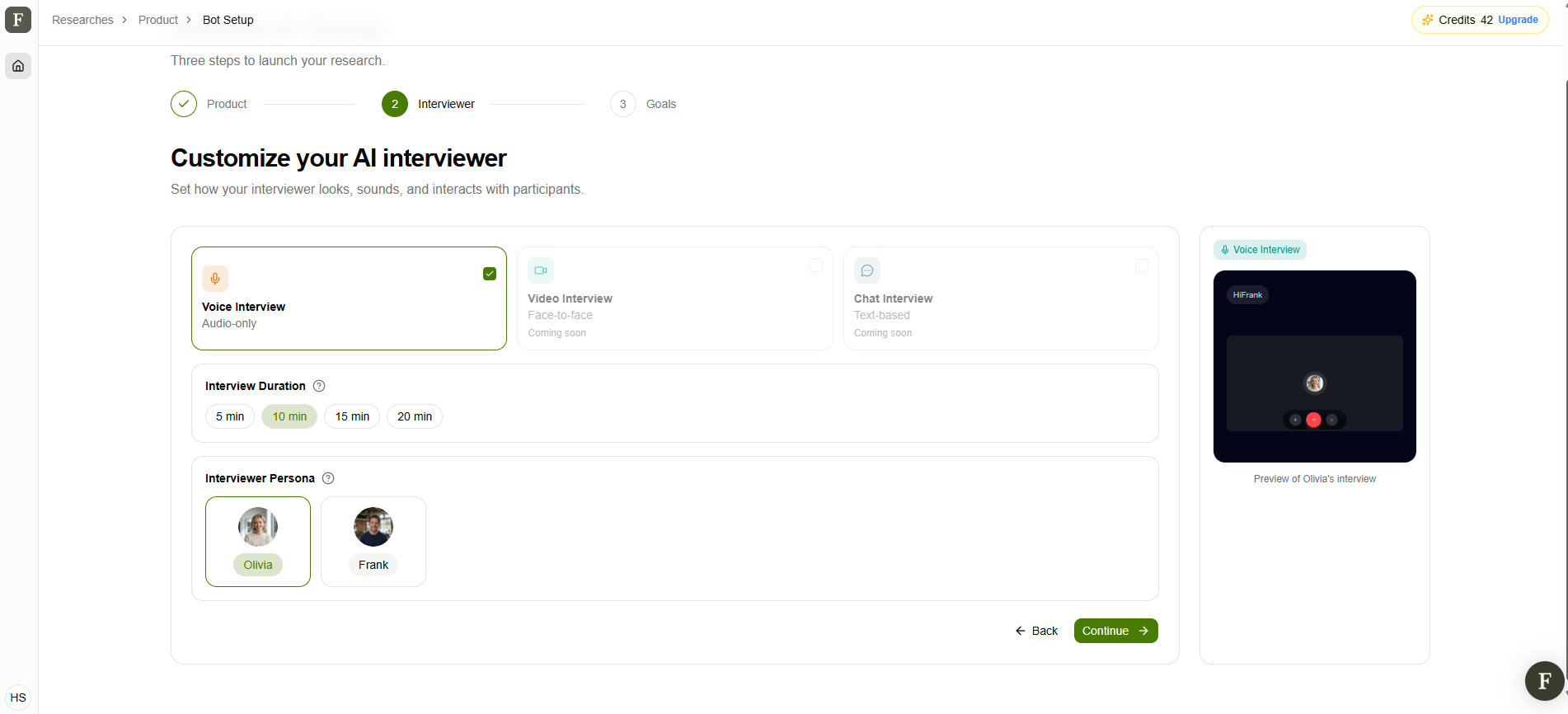
Step 4. Customize Your Interviewer
Choose how your AI interviewer will interact with participants.
Interview Format
- Voice Interview - Audio-only call (like a phone interview)
Interview Duration
- 5 minutes — Quick pulse check or exit interview
- 10 minutes — Focused topic exploration Recommended
- 20 minutes — In-depth discovery
- 30 minutes — Comprehensive research
Tip: Shorter interviews have higher completion rates. Start with 10–15 minutes.
Interviewer Persona
Select the visual avatar for the persona — the face candidates will see during the interview.
Step 5. Define Your Interview Goals
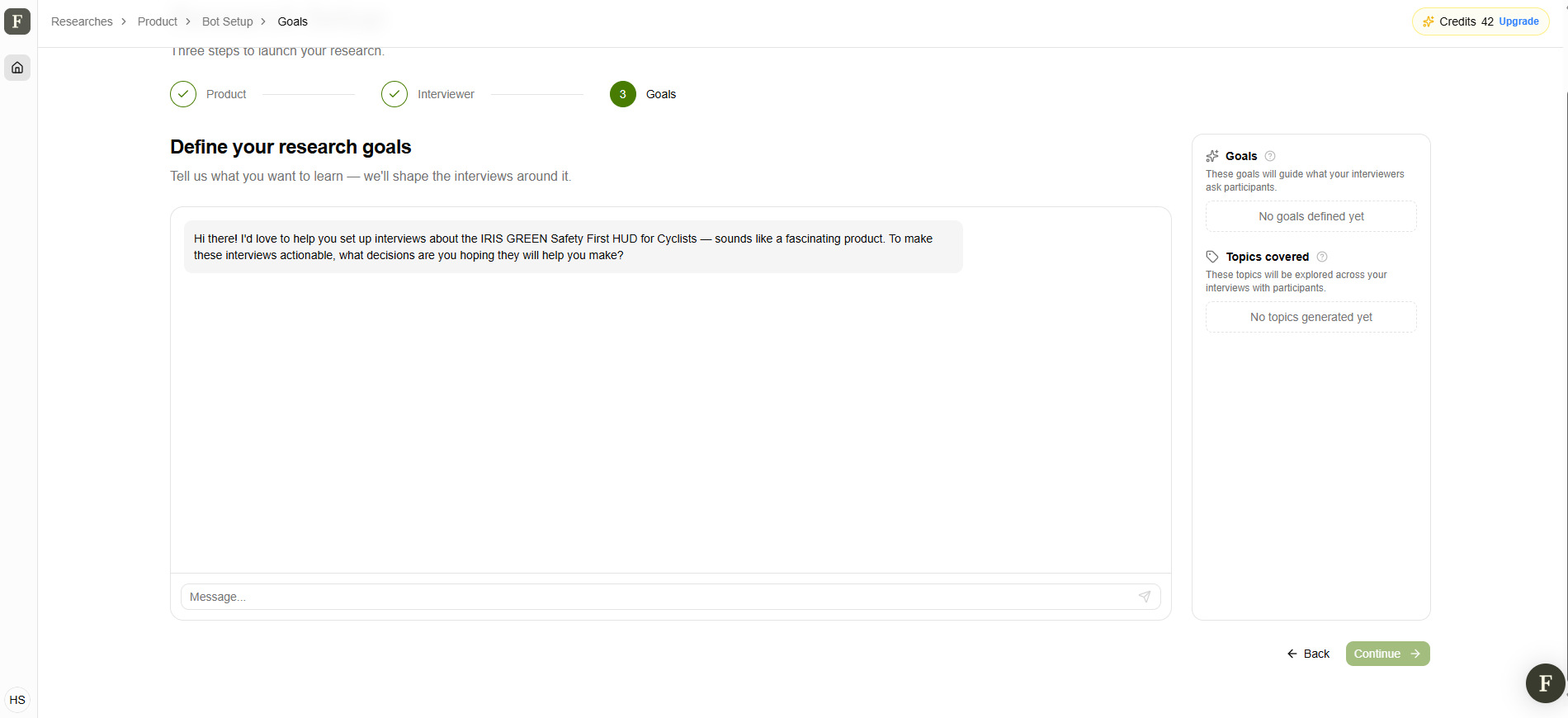
- Click continue and "Chat with AI to define your interview goals"
- Describe your research objective in plain language
- Review the generated interview topics
- Edit or refine topics to match your specific needs
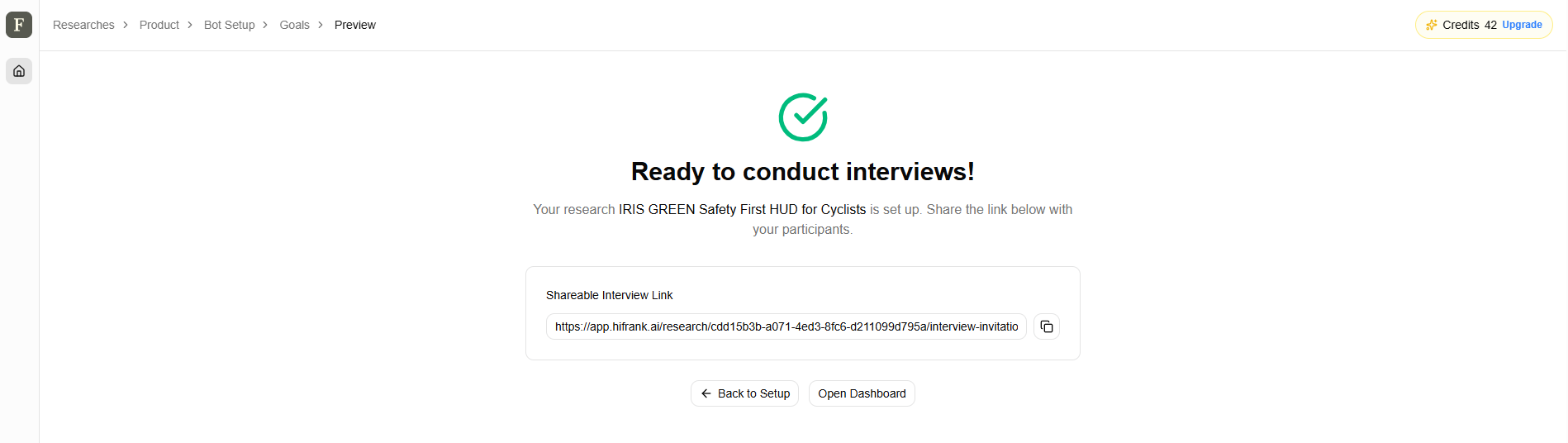
As soon as your interview is ready, a link is generated. You can copy the link and share it with your target audience via email, in-product tooltip, cancellation flow, or social.
Tip: Keep it focused on 4–6 core topics. The AI will automatically probe deeper during conversations.
Step 6. Test Your Interview Highly Recommended
- Your interview link is now generated and visible on screen
- Click the link to open it in a new tab
- Complete the interview as if you were a customer
- Review your test interview in the dashboard
- Make any needed adjustments
Tip: Testing takes 5–10 minutes but prevents issues with real customers.