Everyone in your company “knows the customer.”
Until conversion drops, and nobody can explain why.
Then the room fills with theories: pricing feels high, the landing page is bad, people just aren’t buying right now. Someone else quotes a survey from three months ago. A third person says, “I talked to two customers last week, and they loved it.”
And that’s the problem.
Most teams aren’t short on data. They’re short on customer truth. None of these opinions reliably answers the questions that actually matter.
This guide is for the person who gets pulled into every debate. You’ll get practical methods (with best use cases and tools) and the missing piece: how to turn insight into a continuous system, not a one-off project.
How Do You Choose the Right Customer Insight Method for the Question?
You choose the method based on the question you need answered, not the tool you already pay for.
When conversion dips, teams usually stack inputs: another dashboard view, a quick survey, a couple of calls. The result is often conflicting signals that feel “data-driven” but still don’t explain the decision.
Understanding customers better than your competitors is a matching problem. Use behavioral data to find where something broke. Use qualitative methods to learn why it broke.
Here’s a quick decision lens:
- “Where are people dropping off?” → Product analytics (Mixpanel, Amplitude, GA4)
- “What’s confusing in the flow?” → Session replay/heatmaps (Hotjar, FullStory, Microsoft Clarity)
- “Which message converts better?” → Experiments/A/B tests (Optimizely, VWO)
- “Why are they hesitating or churning?” → Interviews (Zoom + Calendly, then synthesize in Notion)
- “We need the depth of the answers at scale, continuously” → AI-moderated interviews (Frank\)
The next sections break each method down with one goal: to help you get answers you can actually use in a decision meeting, not just more input to argue about.
Method 1: Product Analytics
Best for spotting what changed, not why.
Product analytics is the fastest way to locate a problem. Yet it is not the fastest way to explain it.
Best use case
Use product analytics when you need to answer one question quickly:
Where did user behavior change?
This is especially useful for:
- Activation drops after a release
- Funnel step drop-offs
- Retention changes by cohort or plan
- The feature not getting used
What it reveals
Product analytics shows:
- Where users drop off
- Which segments behave differently
- Which step correlates with a metric change
It gives you a map, not a motive.
Where it fails
- No “why.” It shows the drop, not the reason (confusion, trust, value)
- Not always the truth at enterprise-scale companies. In larger orgs, it often sits on top of a data warehouse instead of replacing it
That’s why strong teams use analytics to narrow the problem, then switch methods to explain it.
Tools that support this method
- Mixpanel — event-based funnels, cohorts, activation tracking
- Amplitude — behavioral paths, retention analysis, product discovery
- GA4 — top-line acquisition and website behavior (best for web, not deep product logic)
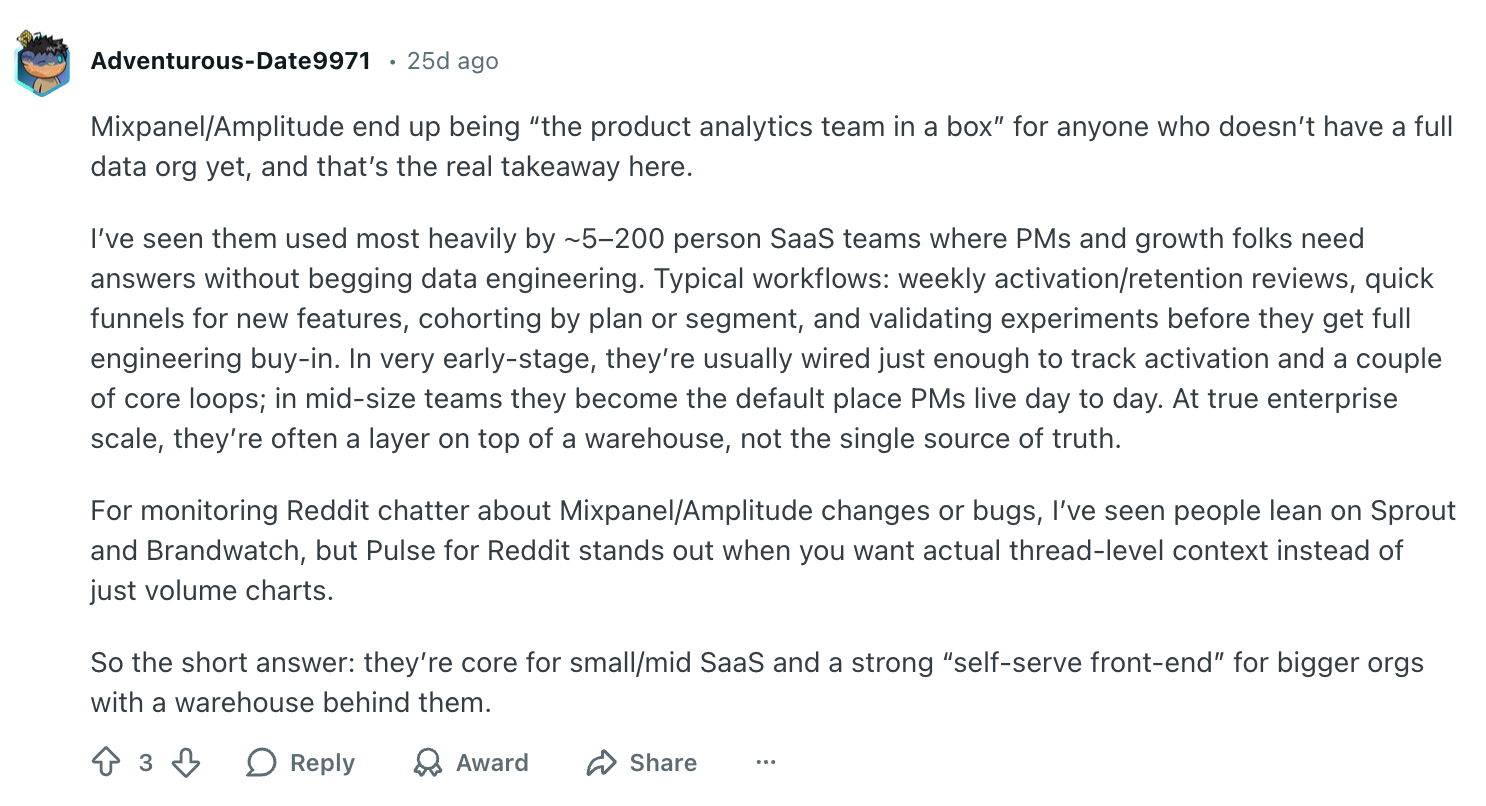
Real-world proof (from product teams):
Method 2: Surveys
Best for validating a known hypothesis, but still weakest for discovering why.
Surveys are efficient. But, they’re also easy to misuse, especially when your customers aren’t answering your surveys in a way that explains the real decision.
Best use case
Use surveys when you already know what you’re testing and need to confirm it across a larger group.
This works well for:
- Comparing two pricing options
- Ranking feature importance
- Measuring awareness or recall
- Getting directional feedback on messaging you’ve already defined
Surveys perform best when the question is specific and constrained.
What it reveals
Surveys reveal:
- Patterns in stated preferences
- Relative importance between options
- High-level sentiment across a group
They’re useful when you need direction, not depth, which is often what’s missing in surveys.
Where they fail
Surveys struggle with:
- Uncovering hidden motivations
- Explaining hesitation or decision friction
- Diagnosing churn or trust issues
Respondents rationalize after the fact. They simplify complex decisions. They answer in ways that feel reasonable, but not necessarily true. That’s why teams relying on surveys alone often feel confident until results don’t translate into behavior.
Tools that support this method
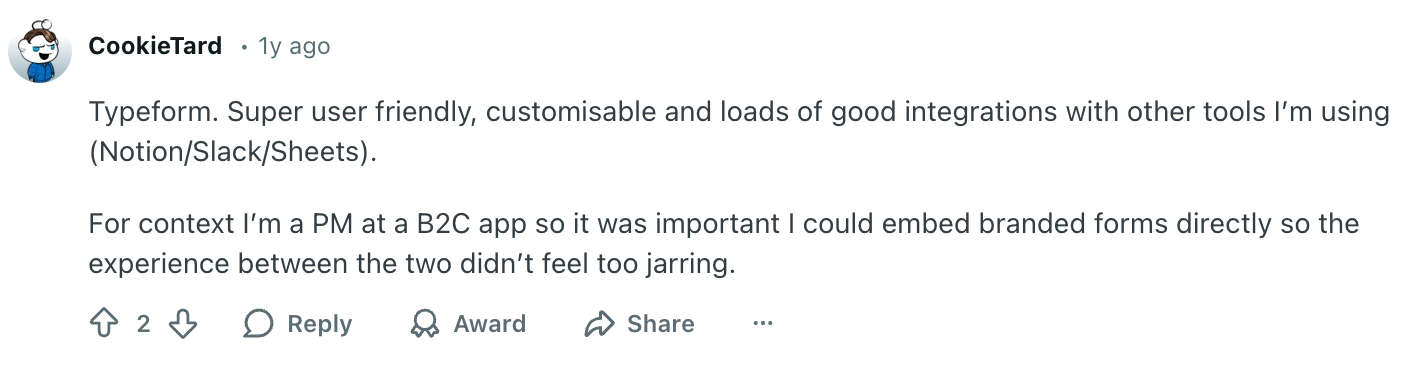
- Typeform — branded, high-completion forms with strong UX/logic
- SurveyMonkey — quick quantitative input at scale
- Google Forms — fast, lightweight internal or early-stage use
Real-world proof (from product teams):
Method 3: Manual Customer Interviews
Best for deep “why”, but hardest to scale without bias creeping in.
Manual interviews are the best way to achieve deep customer understanding of motivation. They’re also the easiest way to accidentally “hear what you hoped to hear.”
Best use case
Use interviews when you need to answer: Why are people hesitating, churning, or choosing something else?
This works best for:
- Post-launch churn diagnosis
- Pricing and value perception (“too expensive” vs “unclear value”)
- Messaging and positioning (“I don’t get it” vs “not for me”)
- Onboarding friction (“confusing” vs “too much effort” vs “no trust”)
What it reveals
Customer interviews reveal:
- The real objection (less polite one compared to surveys)
- The language customers naturally use (copywriting gold)
- The tradeoffs behind decisions (“I chose X because…”)
Where it fails (and what to watch)
Interviews fail when:
- You ask leading questions and get “validation” instead of the truth
- You treat a tiny sample as a percentage (“7/10 said…”)
- You never build a system, so insight disappears after each round
Decision rule: If you need depth + honesty fast, do interviews. If you need depth + honesty every week without burning out or biasing results, you’ll eventually need a more continuous workflow than manual scheduling + manual synthesis.
Tools that support this method
- Zoom / Google Meet — for recordable conversations users already know how to join
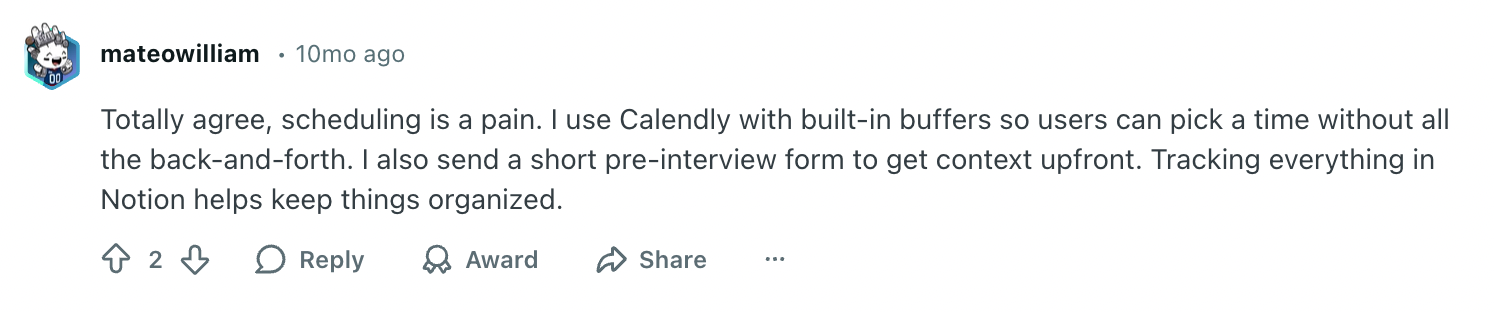
- Calendly — scheduling (and reducing back-and-forth)
- Notion / Google Docs — to track interviews, store notes
Real-world proof (from product teams):
Method 4: Session replay & heatmaps
Best for seeing what users actually do, not why they do it.
Session replay tools let you watch real user sessions: clicks, scrolls, rage clicks, dead zones, and drop-offs. They make invisible friction visible.
Best use case
Use session replay tools when you need to answer: “What is confusing or breaking in this flow?”
This works best for:
- Onboarding friction
- Checkout abandonment
- Rage clicks or repeated actions
- Pages with high traffic but low conversion
If analytics shows where users drop, replays show how they behave before they drop.
Tools that support this method
- Hotjar — heatmaps + session recordings for UX friction
- FullStory — detailed session replay + behavioral filtering
- Microsoft Clarity — free replay + rage click detection
What it reveals
Session replays show:
- Where users hesitate
- Where they click repeatedly
- Where they scroll but don’t engage
- Where navigation breaks expectations
It gives you behavioral context. Not motivation.
Where it fails
Replays show movement, not meaning.
You can watch 50 sessions and still not know:
- What the user expected
- What confused them
- Whether it was trust, value, or clarity
And interpretation is heavy.
Decision rule
Use session replays to identify friction and usability breakdowns.
Switch to interviews (manual or AI-moderated) when you need to understand what users were thinking.
Tools that support this method
- Hotjar — heatmaps + session recordings for UX friction
- FullStory — detailed session replay + behavioral filtering
- Microsoft Clarity — free replay + rage click detection
Real-world proof (from product teams):
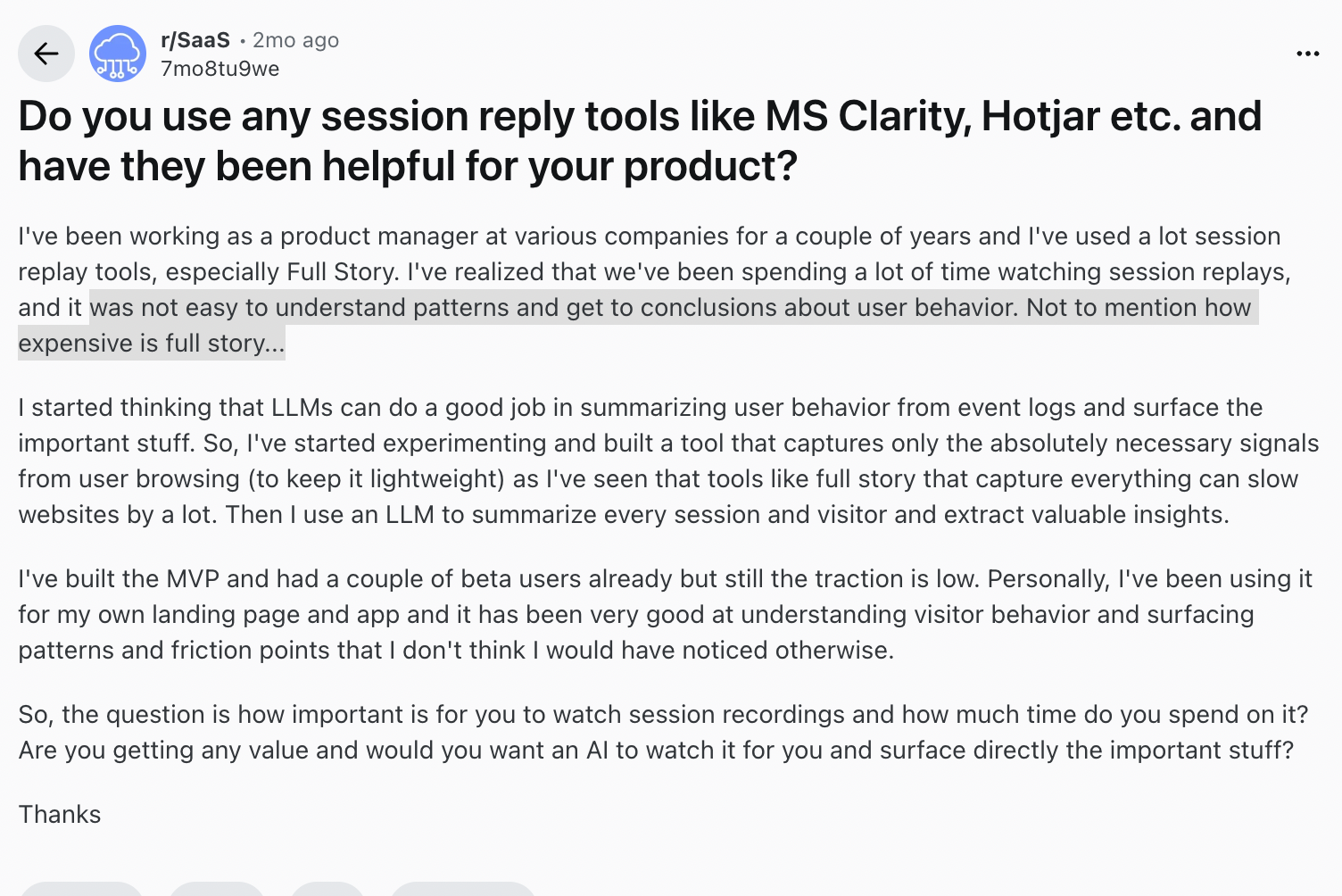
That’s the pattern: replays are powerful for spotting friction, but they don’t explain the thinking behind it.
Method 5: Behavioral experiments / A/B tests
Best for proving what works, still not for explaining why.
Experiments can tell you which option wins. They can’t tell you why it won.
Best use case
Use experiments when you already have a short list of plausible explanations and need to choose between them.
This works best for:
- Two headline/value prop options
- Checkout or onboarding changes
- Pricing page layout and plan framing
- Offer tests (free trial vs demo vs discount)
What it reveals
Experiments reveal:
- Which variant improves a defined metric
- Whether a change is worth shipping
- How impact differs across segments (when analysis is set up correctly)
Where it fails
Experiments don’t generate insight by themselves. They test your assumptions.
If your hypothesis is wrong, you can run tests for months and still not learn the real reason customers hesitate. You’ll get a winning variant, but no clarity you can reuse.
Decision rule: Use experiments to validate a decision. Use qualitative research methods to generate the right hypotheses.
Tools that support this method
- Optimizely — best for running and managing frequent experiments. Strong at shipping tests
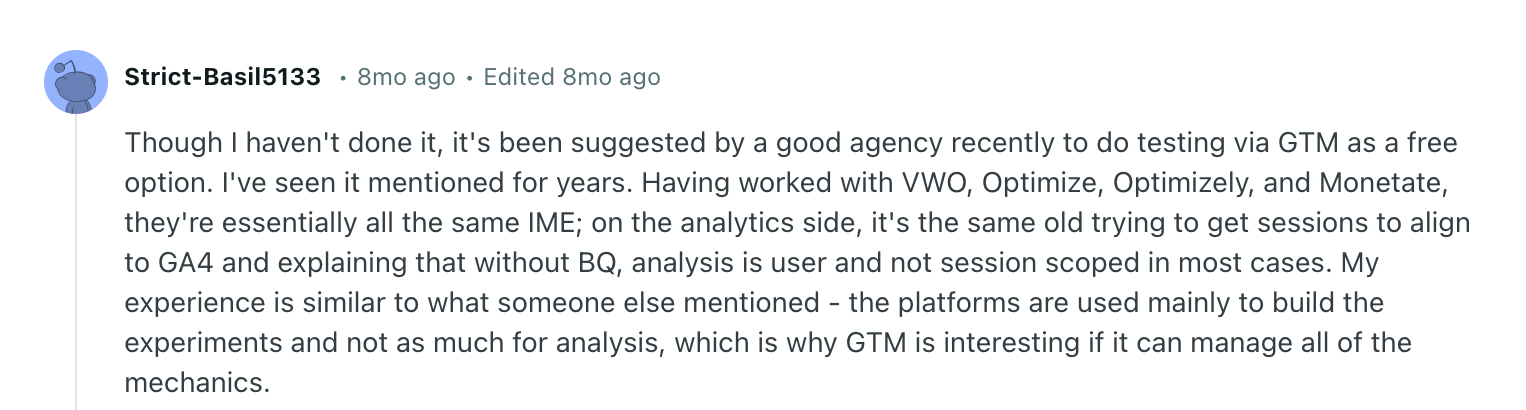
- VWO — best for fast CRO tests on pages and messaging. Used mainly to run experiments
- Native experimentation (feature flags + event tracking) — when product teams want tighter control and cleaner measurement
Real-world proof (from product teams):
Why Does My Team Still Guess After Using All These Methods?
Competitors don’t win by having more dashboards. They win by holding onto useful customer evidence alive longer than you do.
Because all these inputs still leave a hole:
- Analytics tells you what happened
- Surveys tell you what people say
- Interviews explain why, but only briefly and in small samples
- Experiments tell you what wins
But none of them reliably builds a durable answer to: why did a real person decide to buy, hesitate, churn, or choose someone else, and what’s changing in that decision over time?
And that’s why the same debates repeat every quarter. The insight lives in someone’s head, a doc nobody opens, or a one-off deck that goes stale the moment the market shifts.
This is where teams need a different category of method.
How Does an AI Interviewer Help You Understand Customers Better?
If you’ve used analytics, surveys, interviews, and experiments, and you still feel uncertain, you’re not doing it wrong. You’re just missing an ongoing layer of learning.
That ongoing learning is how you understand customers better than competitors: you win by learning nonstop while they start over.
What all the earlier methods don’t do well is hold onto customer truth and let it build over time. That’s why your team keeps re-opening the same debates, with new screenshots and the same level of confidence.
From insight decay to continuity
A simple way to think about it: most teams are stuck in an insight decay loop. A useful conversation happens, a few quotes make it into a doc or deck, then the next sprint buries it, the context shifts, and the insight slowly disconnects from future decisions.
AI-moderated interviews help create a continuity loop instead: conversations can happen more consistently, outputs are documented, and the results can be brought back into decision-making more easily, which is one way AI is transforming qualitative research.
In practice, that continuity helps solve the biggest weaknesses in qualitative work:
- Replacement for shallow surveys
Directly contrasts with Method 2 and explains why surveys alone keep teams guessing - Continuous qualitative insight stream
This is the missing layer after all point-in-time methods (analytics, surveys, interviews, experiments) - Documented interview record
Helps keep interview outputs accessible instead of relying only on scattered notes - More consistent qualitative review
Makes it easier to review interviews in a structured way as new ones come in - Automated interviews
You can’t keep running manual customer interviews without burning out
Real-world proof:
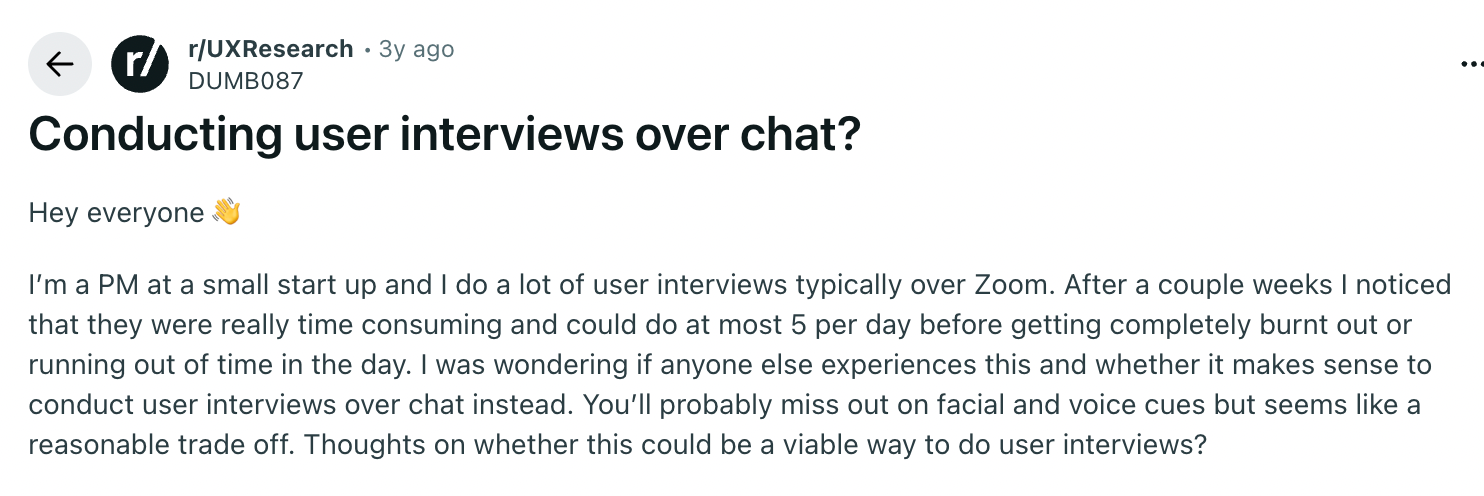
A PM on Reddit described the wall most teams hit: Zoom interviews gave depth, but they could only do “at most 5 per day” before burnout. Their next move was to ask if chat interviews are a reasonable tradeoff.
That’s what “not scalable” looks like in practice: you can’t run enough conversations to learn fast, so “customer insight” turns into a monthly project instead of a continuous input.
Best use case
Use AI-moderated interviews when you need deep interview-level “why” at the moment it matters, and you need it in a form that doesn’t vanish next sprint.
This shows up most often in a few high-stakes moments where other methods tend to fail:
- Conversion drops: you see where users leave, but not what stopped them
- Churn: you have reasons, but not the real tradeoff behind the decision
- Messaging and positioning: you need customers’ words, not internal guesses
- Ongoing discovery: products change too fast for one-off research weeks
What changes when AI Interviews can run continuously
Instead of “we talked to 5 people last week,” you get something more useful in decision meetings:
- A steady stream of conversations without calendar gymnastics
- Follow-ups that adapt to each person’s context and what you’ve already learned over time
- Cross-respondent learning: one insight can trigger smarter questions for the next wave
- Automatic tagging and clustering so themes don’t depend on who wrote the notes
- Patterns that emerge across many conversations, not a handful
- A knowledge base that stays searchable, so insight doesn’t reset every quarter
One way to implement this is Frank: an always-on AI-moderated Interviewer that runs in-depth voice interviews and stores transcripts, themes that teams can review later alongside other research inputs.
This matters here because it doesn’t just collect more input. It helps you collect richer, more intact qualitative responses over time, so when leadership asks “how sure are we?”, you have sourced answers from real, more detailed conversations, not a fresh round of opinions.
When Does It Finally Feel Like You Know Your Customer?
If your team keeps guessing from surveys, analytics, and internal opinions, it’s not because you lack tools. It’s because your methods don’t keep useful evidence long enough to beat competitors.
Other teams can run the same dashboards and the same A/B tests. The advantage comes from the method that keeps learning while everyone else resets.
That’s why AI-moderated interviews like Frank can be a strong addition to the stack when you need more consistent, repeatable qualitative input. They keep depth, remove the scheduling ceiling, and store customer conversations in one place so you can use them again when the next question hits.
So the goal isn’t “more research.” It’s an intelligence system that makes customer truth continuous and makes your decisions harder to copy.
Because in the end, it really does feel good to know the answer.