Run Customer Research from Within Your Favorite LLM
No API keys required. No new workflow. Just connect Frank and start asking.
Works with all Major LLMs and AI Platforms




and any MCP-compatible platform
Your AI. Your Research. One Workflow.
Frank's Model Context Protocol (MCP) server bridges your customer research database directly into the AI prompts you run every day.
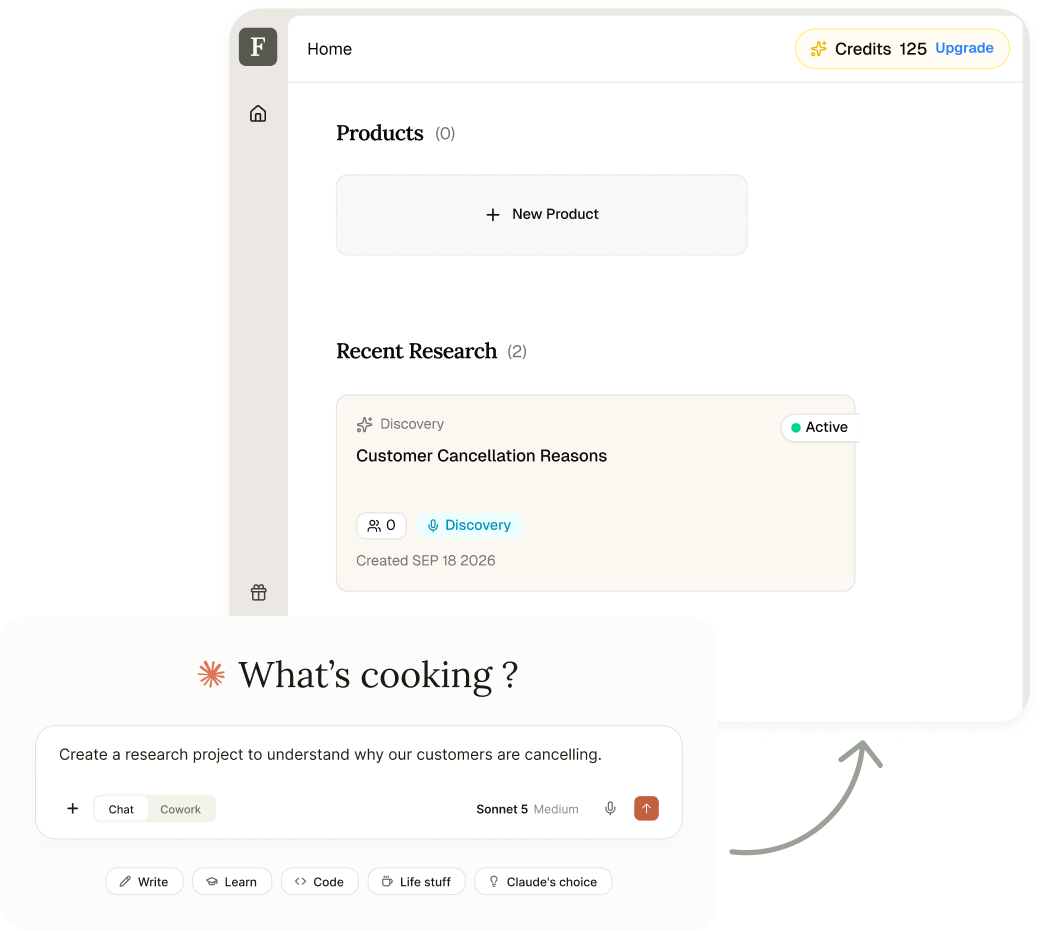
Create Research
Tell your AI what you want to learn. Create a research project, define what you want to discover, and get it ready to run without opening another platform.
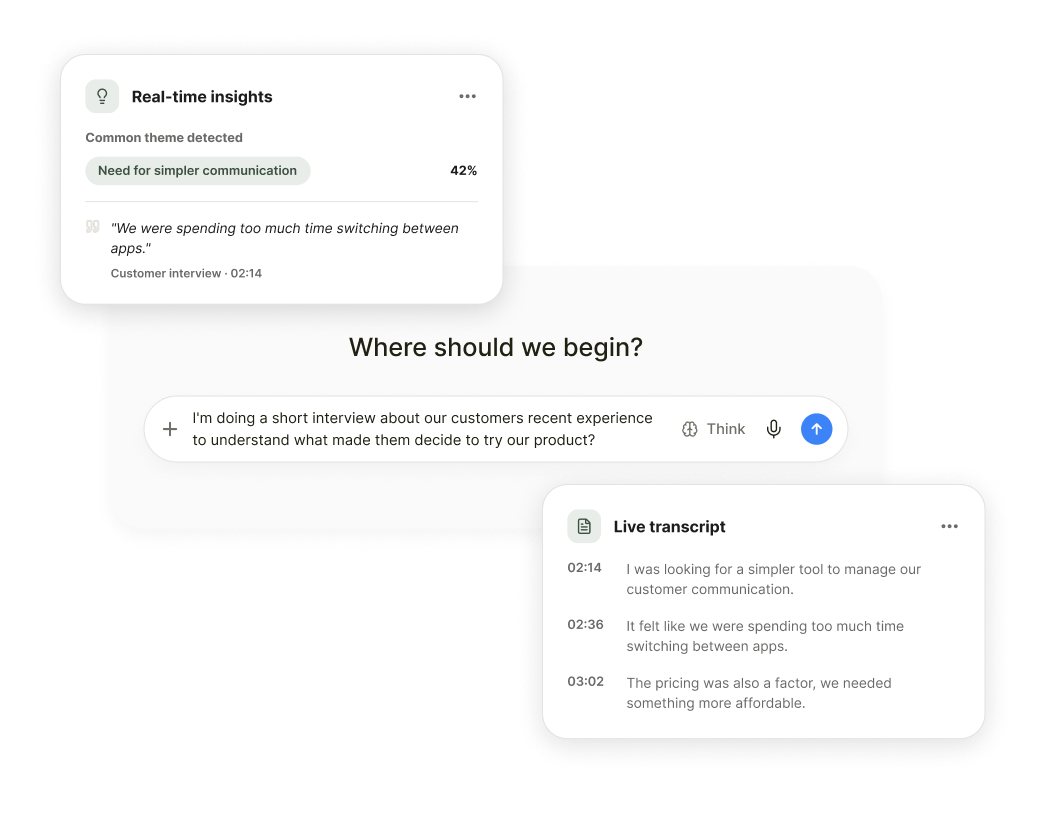
Talk to Customers
Frank conducts the interviews for you. It asks questions, adapts its follow-ups, digs deeper into interesting answers, and captures the full conversation.
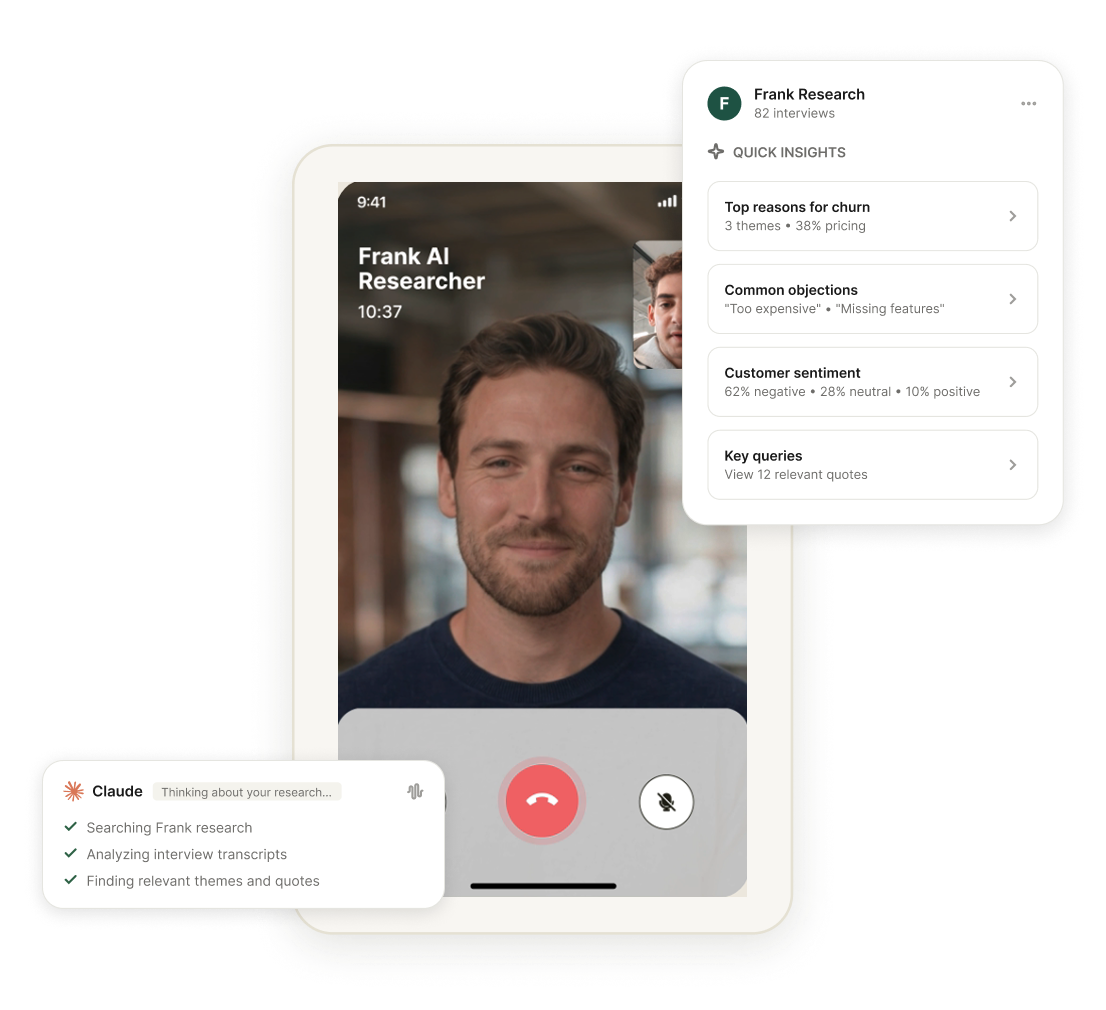
Ask Your AI
Your AI works directly with Frank research. Explore transcripts, compare responses, find patterns, surface quotes, and dig into the reasons behind what customers do.
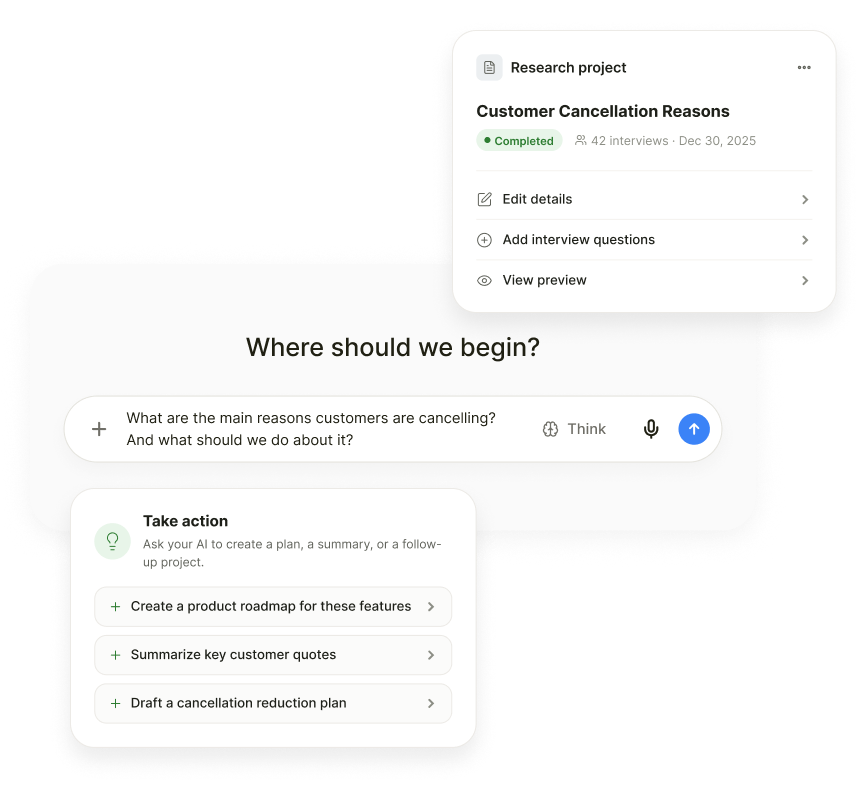
Create Research
Tell your AI what you want to learn. Create a research project, define what you want to discover, and get it ready to run without opening another platform.
Experience the entire research loop, inside the AI you already use.
Customer Research Built Around Your Work
You don't need to become a researcher, learn new skills, or dedicate hours to managing interviews to reap the benefits of customer insights. With Frank connected to your AI, customer insight effortlessly becomes part of the work you already do every day.
FOUNDERS
Pull together interviews from recent wins, losses, and cancellations. Find the patterns behind them and get to the answer before the next decision.
PRODUCT
Explore interviews, test assumptions, compare customer segments, and pressure-test roadmap ideas without digging through research reports.
MARKETING
Find the language customers naturally use, uncover objections and motivations, and understand what makes people convert.
SALES & ACCOUNTS
Analyze winning and losing conversations to uncover the objections, competitors, buying triggers, and gaps shaping your sales funnel.
Frank's MCP server connects your Frank account to compatible AI clients such as Claude, ChatGPT and Gemini. This lets your AI assistant work with your Frank research, interviews, and transcripts, and, with the right permissions, create and manage research too.
You can use your AI assistant to work across the research lifecycle. Create research projects, access studies and interviews, read transcripts, explore customer responses, and analyze what people said.
No. That's the point. Once Frank is connected, you can work with your customer research from the AI environment you already use. You don't need to copy transcripts into another tool or switch between platforms every time you have a question.
Yes. With the appropriate permissions, your AI can create a research project in Frank. New research is created as a draft, so it isn't published to participants without separate approval.
Yes. Your connected AI can access your Frank research and interview transcripts, allowing you to ask questions, investigate themes, compare responses, and dig into what customers actually said.
No. Access is permission-based. The connection only gets the permissions you approve, and actions that can change your account are separated from read-only access.
Connect Frank from your compatible AI client using the Frank MCP server. You'll authenticate in your browser and approve the permissions once. After that, your AI can work with Frank according to the access you've granted.