You sent the survey. You got 11 responses out of 200. Three of them just clicked through every question without reading it.
If that sounds familiar, you're not bad at writing surveys. You've hit a structural limit that SurveyMonkey itself can't fix. This list covers the usual cheaper, prettier form-builder swaps. However, it also covers something most "alternatives" posts skip entirely: AI-moderated interview tools, a newer category built to answer the question a checkbox never can. Why.
SurveyMonkey remains a capable, general-purpose survey builder. Plenty of teams use it well for simple polls and NPS tracking. But teams tend to leave it for three specific reasons, and understanding which one applies to you decides which alternative actually fixes things.
Why Look for a SurveyMonkey Alternative?
- Response rates are falling, and it's not your fault. Online survey response rates average 20–30% and have been declining 1-2 points a year since 2019. That's an industry-wide trend, not a sign your subject line is weak.
- Pricing escalates fast, and features get locked behind tiers. The free plan caps you at 10 questions and limited responses per survey. The most useful features sit behind paid tiers. If you need deeper analytics, logic controls, export options, those usually sit behind higher-priced plans. Real users feel this:
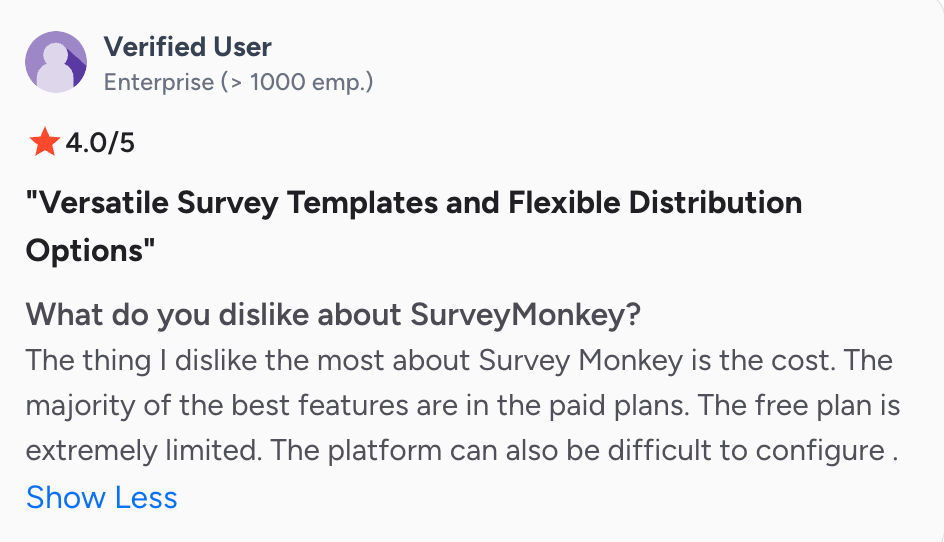
- Surveys tell you what happened. They can't tell you why. An NPS score tells you a customer is unhappy. It can't ask a detractor what specifically broke their trust, then follow up based on the answer. Then this incomplete data is being used for new feature prioritization.
How We Ranked These Alternatives
We scored every tool below against the same four criteria, each one tied directly to a drawback above:
- Cost transparency - can you see real pricing without booking a sales call?
- Depth of insight - does it explain why, or just count what?
- Setup friction - how fast can a non-researcher get a study running?
- Scalability - does it handle more volume without more manual work?
Quick Decision Guide: Which Type of Alternative Do You Actually Need?
Before the deep dives, here's the fastest way to narrow seven options down to one.
If interviewing customers yourself feels like the obvious fix but you've avoided it, you're not alone. One PM in the Academy of PM described it bluntly: "My approach was failing me. I started to dread talking to customers." That's a confidence problem as much as a tooling one. I believe this is part of why AI customer interviewers exist as a category now, not just a feature.
Alternatives at a Glance
Best SurveyMonkey Alternatives - Deep Dives
Frank AI Researcher
Who it's for: Executive teams trying to know why their customers buy or churn from their product.
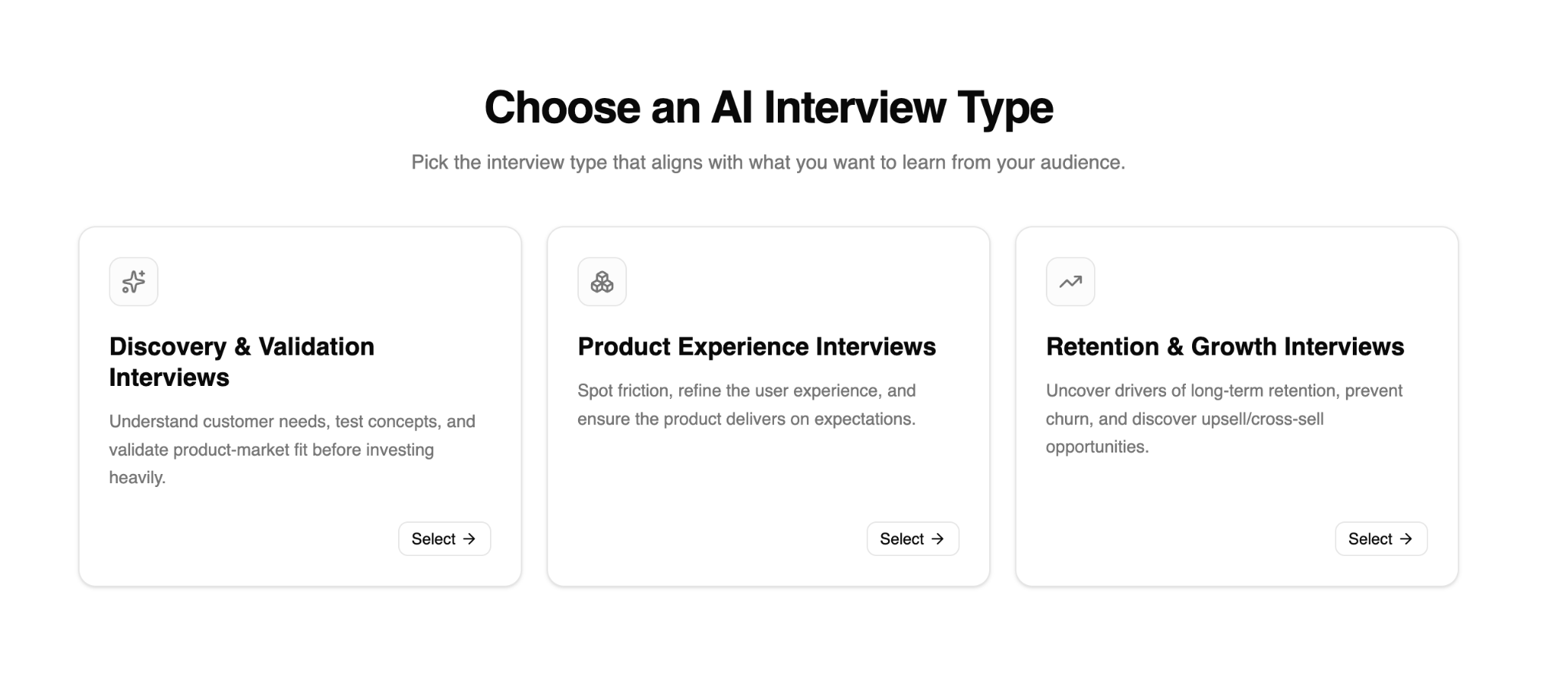
Frank runs adaptive, AI-moderated interviews with your own customers across 30+ languages, asking conversational follow-up questions instead of a fixed list. Every interview links back to a transcript and recording, so insights come with transparent verification instead of a black-box summary.
Pros
- Adaptive follow-ups surface reasons, motivations, and decision drivers a static survey can't reach
- Runs hundreds to 1,000+ interviews simultaneously, so volume doesn't mean more manual scheduling
- Every summary traces back to the original transcript or recording
- SOC 2 & GDPR compliant
Cons
- Requires an existing customer base to interview - not built for cold panel recruitment, though interviews can be shared with anyone
- Newer category, so some teams need a beat to adjust from static surveys to conversational research.
Why choose Frank over SurveyMonkey? SurveyMonkey can tell you a customer is unhappy. It can't ask why, then adapt based on the answer. Frank directly resolves the "what, not why" gap without requiring a research team to run it.
Pricing: Free tier available. Starter subscription from $49/month.
Listen Labs
Who it's for: Teams that need broad, panel-based research at enterprise scale, not necessarily their own existing customers.
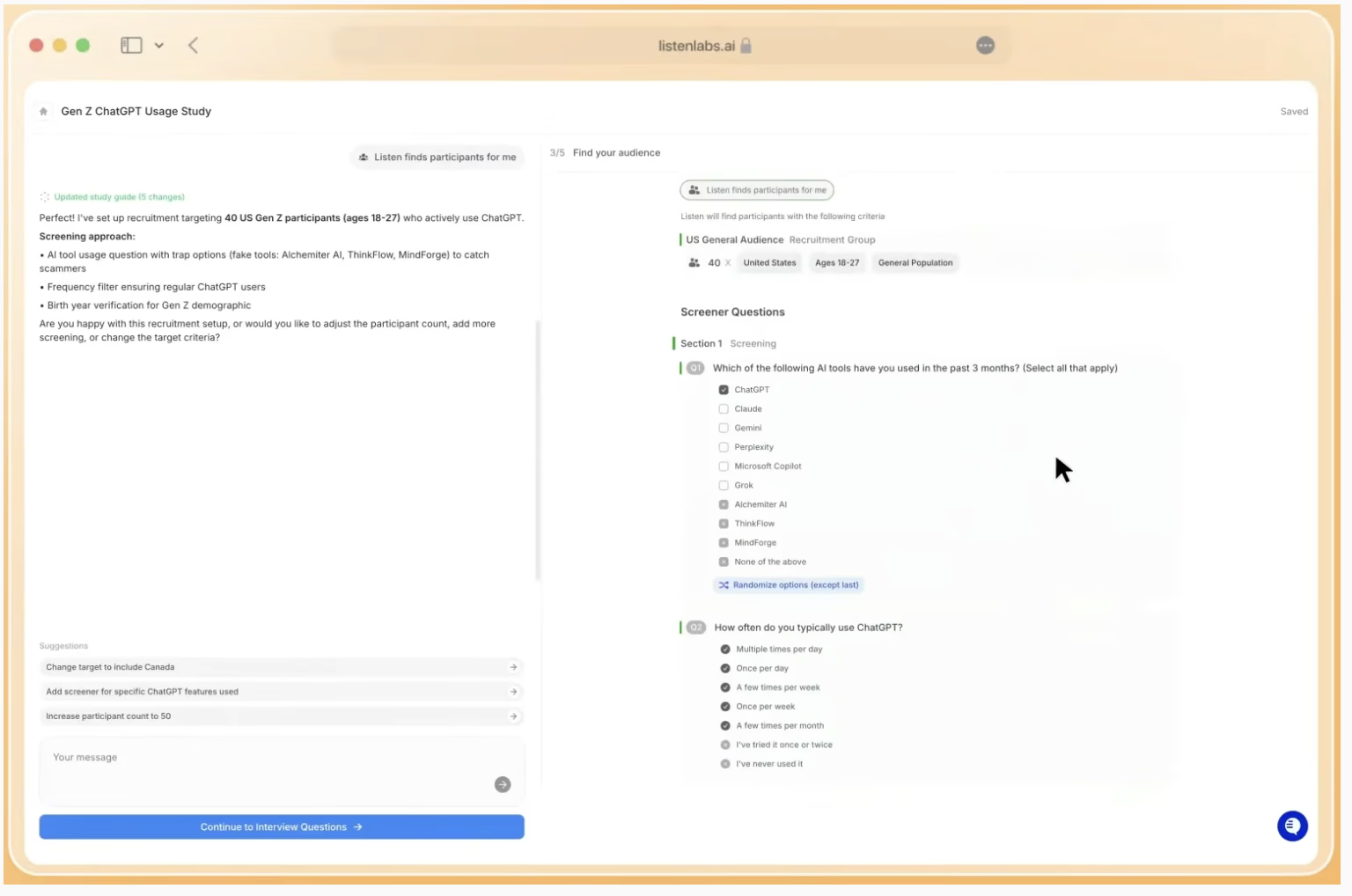
Listen Labs finds participants, conducts in-depth interviews, and delivers structured insights in hours rather than weeks. This is a meaningful jump from the weeks-long cycle of traditional moderated research.
Pros
- Built for scale; handles recruitment automatically
- Strong fit for market research on broad, external audiences
- Fast turnaround compared to manual moderated studies
Cons
- Panel-based by default. Listen Labs is better for researching strangers than your own user base.
- Enterprise pricing model, which raises the barrier for lean teams
Why choose Listen Labs over SurveyMonkey? If your real need is large-sample qualitative research with statistical backing (not feedback from people who've already bought from you), Listen Labs resolves the depth gap that SurveyMonkey's checkbox format can't touch.
Pricing: Custom - contact Listen Labs directly.
Outset
Who it's for: Product and UX teams validating prototypes, flows, or screens, where the research needs to happen alongside an actual interface.
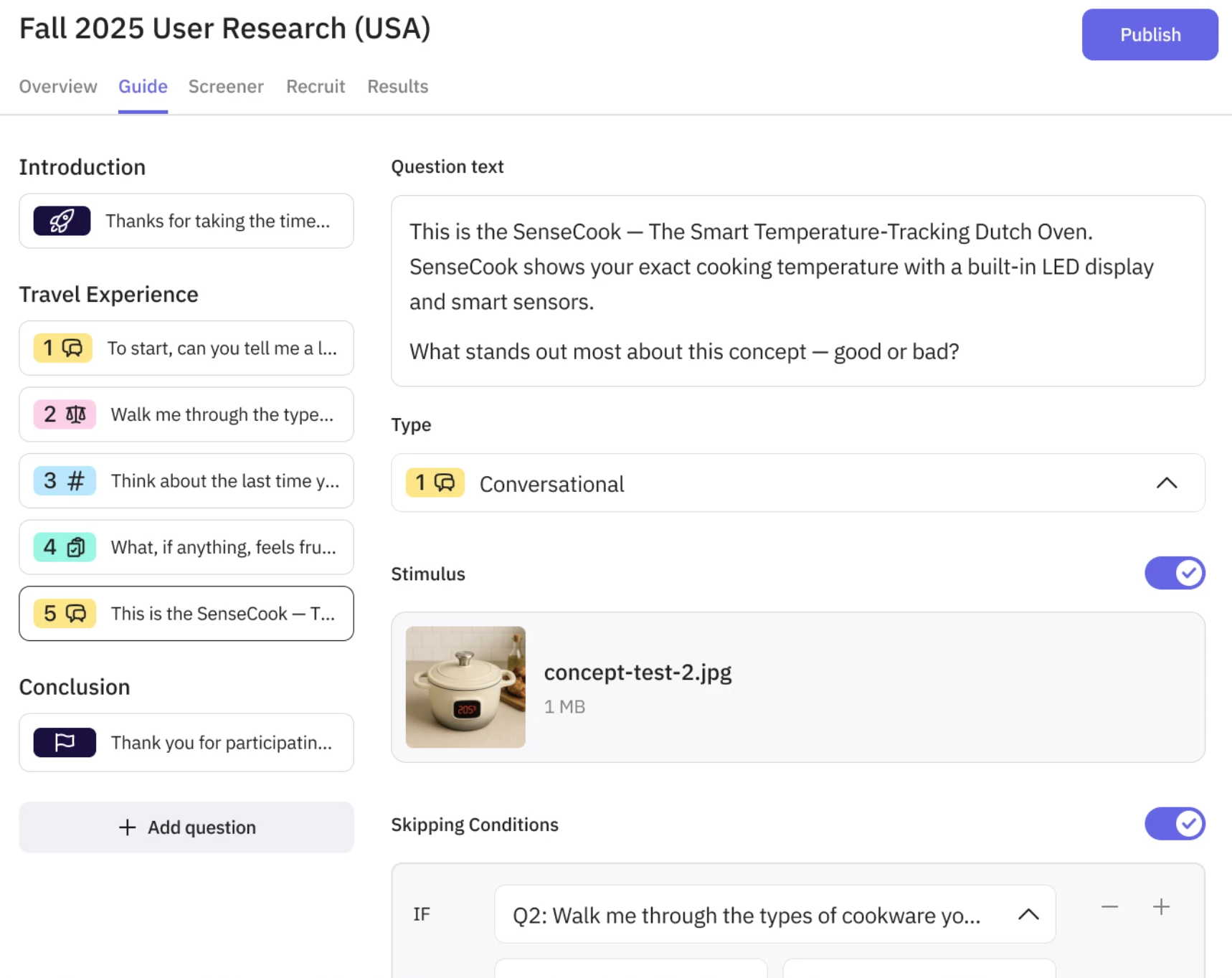
Outset is built around screen-aware, moderated interviews. Outset is useful when feedback needs to be tied to what a participant is looking at or clicking through, not just what they say in the abstract.
Pros
- Strong fit for UX/product validation tied to an actual interface
- Combines interview depth with on-screen interaction
Cons
- More specialized for UX research than general customer-feedback use cases
- Less suited to broad post-purchase or churn research outside a product interface
Why choose Outset over SurveyMonkey? A survey can ask someone to rate a screen. It can't watch them struggle with it and ask why in real time. Outset resolves that gap specifically for UX and product teams.
Pricing: Custom - contact Outset directly.
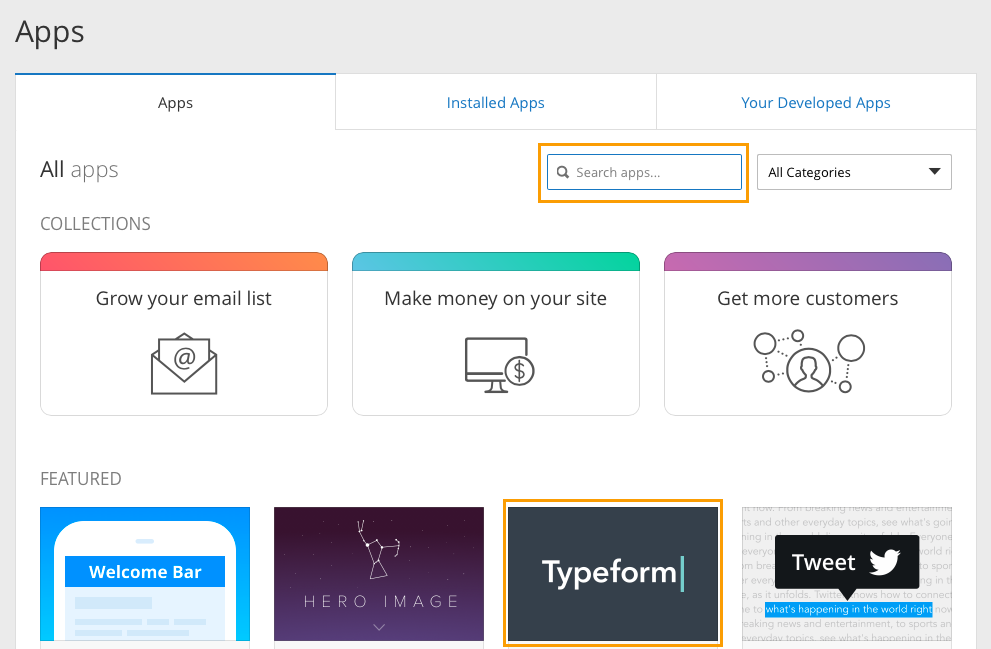
Typeform
Who it's for: Teams whose complaint is design and completion rate, not depth. Also known as they just want a better-looking, less clunky form.
Typeform's conversational, one-question-at-a-time interface is a straightforward swap when SurveyMonkey's static grid format is the actual problem.
Pros
- Strong design and higher perceived completion experience versus static grid forms
- Easy setup for non-technical teams
Cons
- Still a survey
- Advanced logic and analytics still sit behind paid tiers, similar to SurveyMonkey's own model.
Why choose Typeform over SurveyMonkey? If your complaint is purely aesthetic or UX friction, Typeform resolves that directly. It does not resolve the depth ga.p
Pricing: Paid plans available; check current pricing at signup, as published tiers change.
Google Forms and Jotform
Who it's for: Budget-zero teams that need basic data collection without any frills.
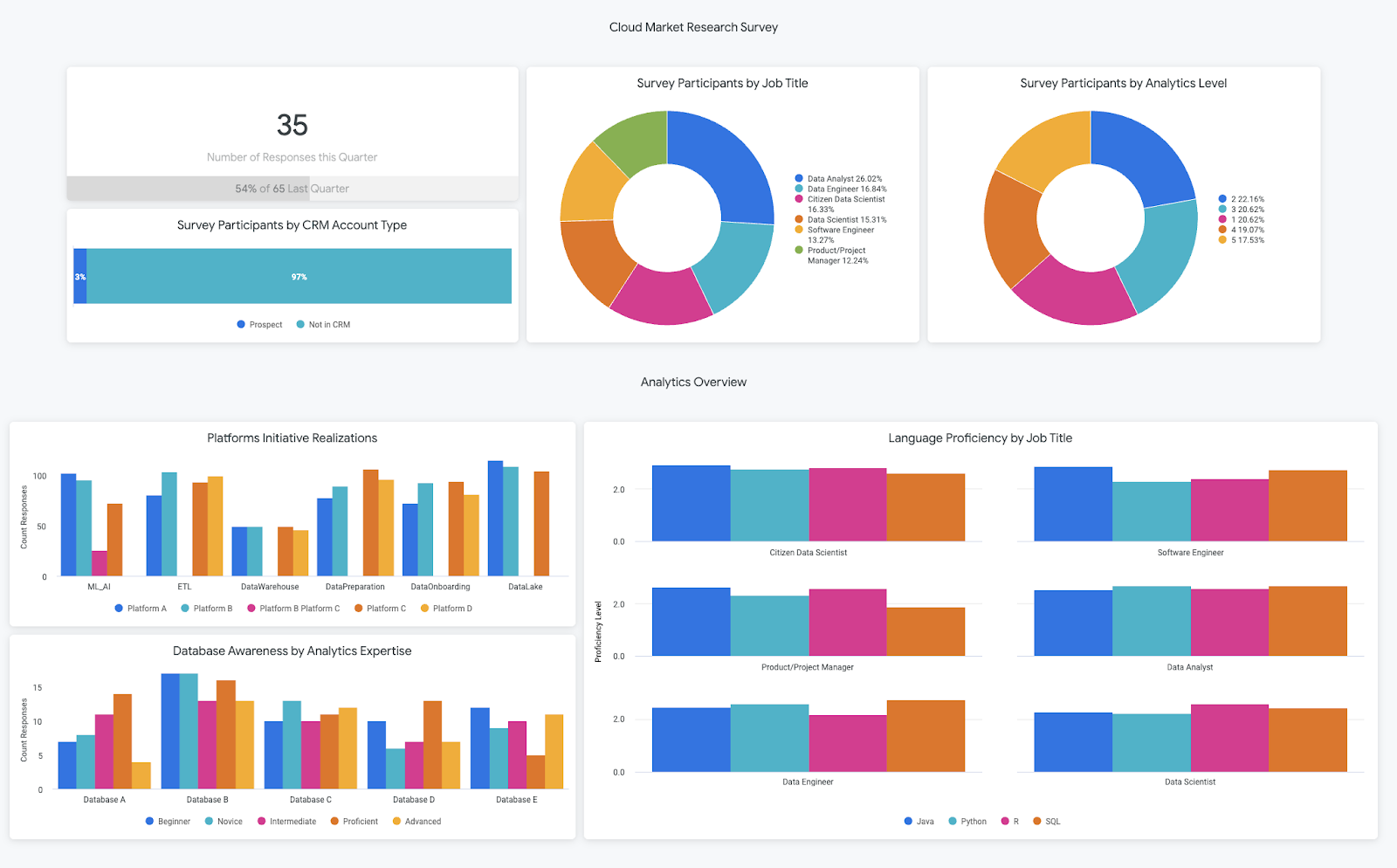
Google Forms is free with effectively unlimited responses. Jotform adds more templates and formatting flexibility at a low cost.
Pros
- Free (Google Forms) or low-cost (Jotform)
- No feature paywall for basic use cases
Cons
- Minimal analytics or logic compared to paid survey tools
- No path to deeper, conversational insight
Why choose Google Forms or Jotform over SurveyMonkey? If cost is the only drawback you're solving for, these resolve it completely and immediately. They don't solve the depth problem, and they're not meant to.
Pricing: Free (Google Forms); free tier plus paid plans (Jotform).
A Word of Caution: AI Interviewers Aren't a Silver Bullet
Not every voice in this space is bullish, and that's worth taking seriously, especially if your team includes a trained researcher. One independent critic put it sharply:y AI-moderated interviews, as currently run, risk applying the scale of quantitative research to data that hasn't actually earned that treatment.

But I believe that short AI-moderated interviews can be a strong alternative to surveys for structured product or feature feedback, but they won't match the depth of an expert-led interview. This should be treated as a complement to rigorous research, not a replacement for it.
Final Recommendation by Use Case
SurveyMonkey isn't the wrong tool for everyone. It’s the wrong tool for the question you're actually trying to answer. If that question is "why," a checkbox was never going to get you there. Start with the decision guide above, pick the category that matches your actual gap, and test one tool before you commit to a switch.

FAQ
1. What's the main difference between a survey tool and an AI-moderated interview tool?
A survey collects fixed answers to fixed questions - it tells you what happened. An AI-moderated interview tool like Frank asks adaptive follow-up questions in the moment, which is what surfaces reasons, motivations, and decision drivers behind an answer, not just the answer itself.
2. Is SurveyMonkey bad, or just the wrong tool for some questions?
Neither. SurveyMonkey works fine for simple polls and NPS tracking. It becomes the wrong tool specifically when the question you're asking is "why" - that's a structural gap in checkbox-format tools, not a quality issue with SurveyMonkey itself.
3. Which SurveyMonkey alternative should I pick if I just want a better-looking survey?
Typeform. If your complaint is design or completion rate rather than depth of insight, Typeform is a direct swap - it's still a survey format, just a more conversational one.
4. Which SurveyMonkey alternative is best if I need to interview my own existing customers, not a recruited panel?
Frank is built for that use case specifically, running adaptive interviews with your own customer base rather than sourcing external panelists.
5. What if I need large-scale panel research on people who've never bought from me?
That's the gap Listen Labs is built to close - panel-based recruitment for broader market research at scale, rather than research into your existing user base.
6. Are AI-moderated interviews a replacement for a trained researcher?
No - and the article is explicit about this. AI-moderated interviews work well as a complement for structured product or feature feedback, but they don't match the depth of an expert-led interview. Treat them as an addition to rigorous research, not a substitute for it.
7. How do I decide which alternative actually fits my situation?
Match the alternative to the specific reason you're leaving SurveyMonkey: falling response rates, pricing/feature limits, or the "what vs. why" gap. The article's decision guide and comparison table map each of the three drawbacks to the tool that resolves it - start there before testing anything.